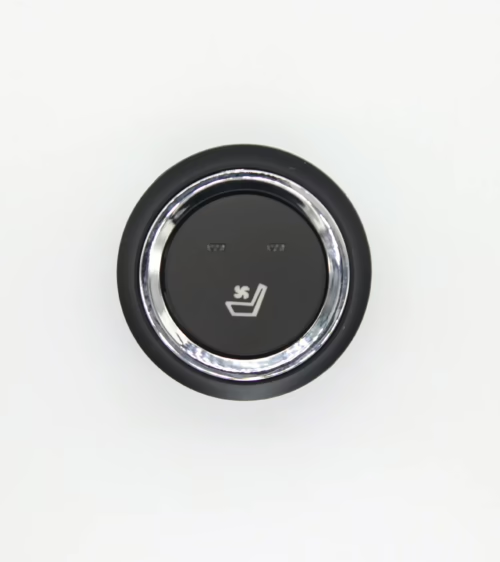
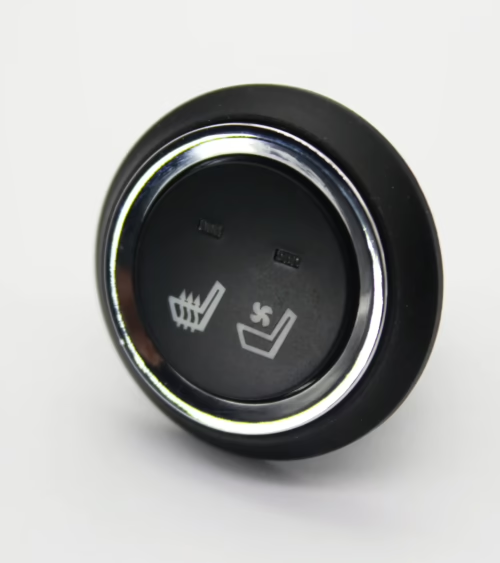
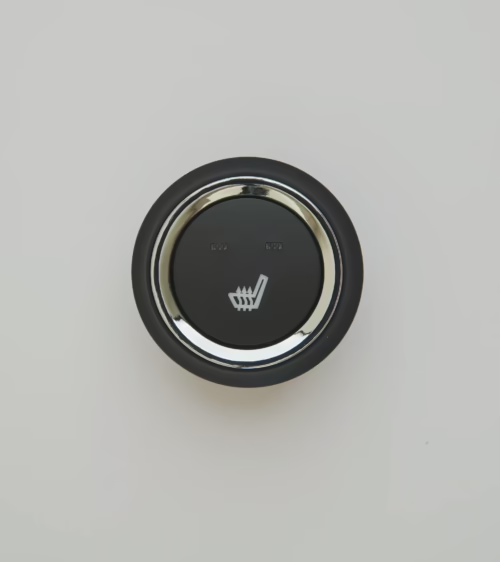
A malfunctioning Nissan Rogue heated seat switch is one of the most common winter complaints owners bring to service bays, and it rarely means the whole seat needs replacing.
In most cases the switch itself, a corroded connector, or a failed heating element is the culprit, and each has a distinct diagnostic path.
This guide walks through five of the most frequent Rogue heated seat problems across the T32 (2014-2020) and T33 (2021-present) generations, how to test them safely, and what to check before you buy a replacement part.
How the Nissan Rogue Heated Seat System Works
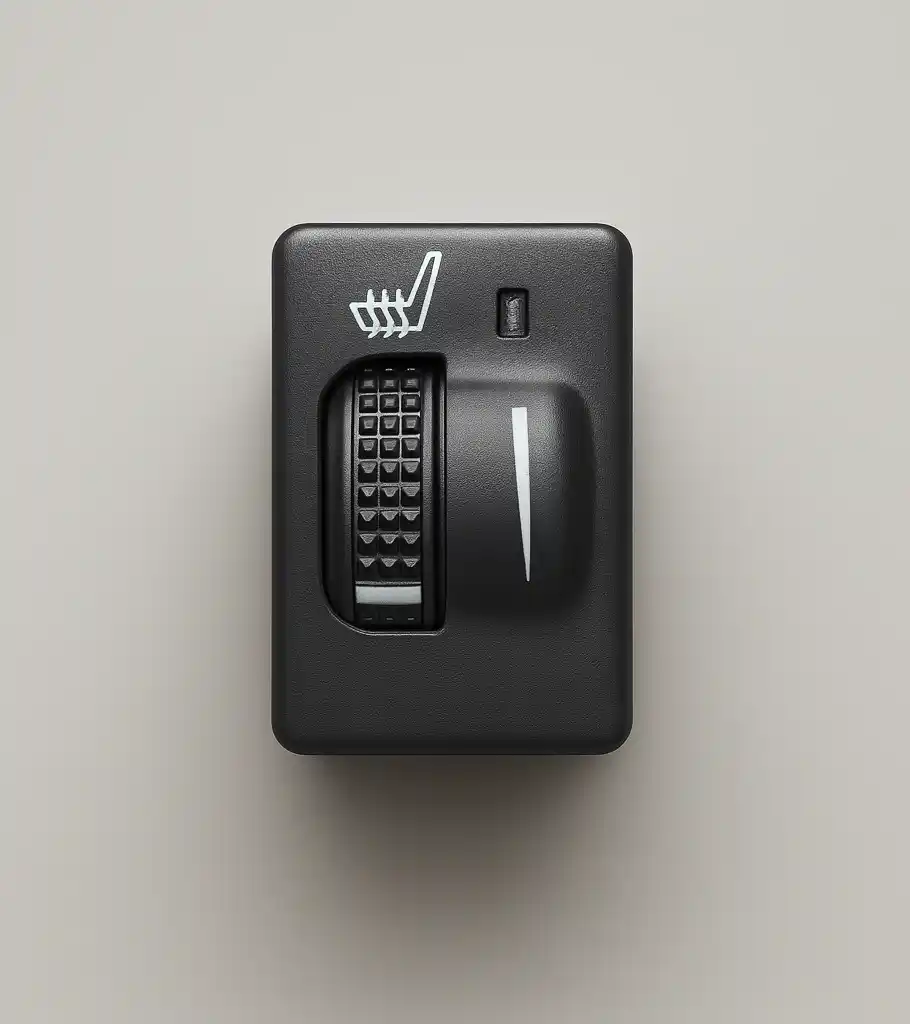
The Rogue’s heated seat circuit is a low-voltage 12V system built around three components:
- a rocker or button-style switch on the center console or seat bolster
- a heating pad or element embedded in the seat cushion and backrest foam
- a control module (sometimes integrated into the seat heater switch itself) that regulates temperature through pulse-width modulation. Most Rogue trims use a two- or three-level heat setting
- the switch typically contains an internal LED indicator wired in parallel with the heating circuit so the driver gets visual confirmation the seat is actively heating. The heating elements themselves are carbon-fiber or wire-mesh pads that rely on a resistive heating principle
- often paired with a thermistor for temperature feedback so the module can cycle power on and off rather than running the pad continuously at full output. Understanding this layout matters because a “dead” heated seat can fail at any one of these three points
- each requires a different repair.
Symptom 1: Switch Lights Up but Seat Never Warms
If the LED illuminates when pressed but the seat produces no heat, the switch is very likely passing power correctly and the fault lies downstream in the heating pad or its wiring harness.
This is common in high-mileage Rogues where repeated seat adjustment and cushion flexing fatigues the pad’s internal wiring at the bend points near the seat frame.
Before assuming the pad has failed, check the connector under the seat for a loose or corroded pin, since Nissan’s factory harnesses use a small multi-pin plug that can work itself partially free during seat removal for cleaning or upholstery work.
A multimeter set to continuity mode across the harness, seat unplugged, will confirm whether the fault is in the pad or further upstream.
Symptom 2: Switch Does Nothing at All
No LED, no heat, and no response to the button press usually points directly at the switch or its power supply.
Start by checking the fuse dedicated to the heated seat circuit in the interior fuse box, as this is a low-cost first step that resolves a surprising number of “dead switch” complaints.
If the fuse is intact, backprobe the switch connector with the ignition on to confirm 12V is present at the input pin; if power is there but the switch produces no output on any setting, the switch itself has failed internally and needs replacement.
This is the most straightforward failure to fix, since it doesn’t require pulling the seat cushion apart, only removing the console trim panel or bolster cover the switch is mounted in.
Symptom 3: Only One Heat Level Works
When high heat works but low doesn’t (or vice versa), the switch’s internal contacts for that specific resistance stage are the likely point of failure, since each heat level in a resistive-ladder switch design routes through a separate set of contacts.
Repeated use wears these contacts unevenly, and dirt or moisture intrusion through the console can accelerate pitting on whichever position gets used most.
This partial failure mode almost never resolves itself and is a strong indicator that the switch assembly should be swapped rather than continuing to diagnose wiring, since a working ground and working high-setting output confirm the harness itself is healthy.
Symptom 4: Seat Heats Intermittently or Cuts Out While Driving
Intermittent operation, especially heat that cuts out over bumps or when the seat is adjusted, points to a loose connector pin or a partially broken wire inside the harness rather than the switch.
Flex-testing the harness by hand while someone watches the seat heater LED, or using a scan tool if the Rogue’s climate control module logs heater circuit faults, can isolate the exact location.
Because these intermittent faults are vibration-sensitive, a visual inspection alone often misses them; wiggle-testing under load is the more reliable diagnostic approach.
Diagnosing and Testing the Switch Before You Buy a Replacement
Before ordering parts, isolate whether the fault is the switch, the pad, or the wiring using this sequence:
- Check the fuse first — it’s the fastest elimination step and costs nothing.
- Backprobe the switch connector for battery voltage with the ignition on.
- Test switch output on each heat setting with a multimeter set to DC volts.
- Unplug the seat pad harness and check pad resistance directly to rule out the switch entirely.
- Inspect the under-seat connector for corrosion, bent pins, or a partially seated plug.
This process typically takes under 20 minutes and prevents buying a switch when the actual fault is a worn heating pad or a loose connector.
Choosing a Replacement Switch That Fits Correctly
Nissan changed the Rogue’s console and switch design between the T32 and T33 generations, so part numbers are not interchangeable across the two body styles, and even within the T32 generation there were minor connector revisions after a mid-cycle refresh.
When shopping for replacement seat heater switches, match the connector pin count and physical bezel shape to your trim year rather than relying on the switch’s outward appearance, since several visually similar switches use incompatible wiring layouts.
A correctly matched switch should plug in without forcing pins into place and should seat flush with the console trim without gaps.
DIY Replacement Steps
Once you’ve confirmed the switch is the faulty component, replacement is a straightforward job for most owners comfortable with basic trim removal:
- Disconnect the negative battery terminal before starting any interior electrical work.
- Carefully pry the console or bolster trim panel free using a plastic trim tool to avoid scratching the surface.
- Disconnect the old switch’s harness connector and remove any retaining clips or screws.
- Install the new switch, reconnect the harness, and confirm the connector clicks fully into place.
- Reassemble the trim panel, reconnect the battery, and test all heat settings before considering the job complete.
If you’re replacing a heating pad in addition to the switch, budget significantly more time, since the seat cover typically needs to be partially removed to access the pad beneath the foam.
When to Replace the Whole Seat Heater System
If testing shows both the pad and the switch have failed, or the harness itself has multiple damaged sections, it’s often more cost-effective to replace the heating pad, switch, and connecting harness together rather than repairing each component separately.
This is especially true on higher-mileage Rogues where age-related wear is likely to cause a second component failure shortly after the first repair.
Browsing a full catalog of seat heating components before ordering lets you compare pad, switch, and module options so the whole system is replaced with matched, compatible parts rather than piecing together components from different sources.
Frequently Asked Questions
Q: Why does my Nissan Rogue heated seat switch light up but not produce heat?
A: The switch is passing power correctly in this case, so the fault is almost always in the heating pad, its wiring harness, or a loose under-seat connector rather than the switch itself.
Q: Can I use a heated seat switch from a different Rogue model year?
A: Only if the connector pin count and physical mounting match your specific generation; the T32 and T33 body styles use different switch designs, and even within a generation minor revisions can affect fitment.
Q: How long does it take to replace a Nissan Rogue seat heater switch?
A: A straightforward switch-only replacement typically takes 20 to 40 minutes once the correct part is confirmed, though a heating pad replacement takes considerably longer due to seat cover removal.
Whether you need a single replacement switch, a heating pad, or a full seat heater kit, Lucky Driver Inc.
supplies quality-tested seat heating components engineered to match OEM fit and function for Nissan Rogue and other popular models, helping you get accurate diagnostics and the right part the first time.
Related Articles
- Nissan Altima Seat Heater Switch: 5 Fixes (2026 Guide)
- 5 Signs Your Jeep Grand Cherokee Seat Heater Switch Is Bad
- Jeep Wrangler Heated Seat Switch: 2026 Complete Repair Guide
- Ram 1500 Heated Seat Switch: 2026 Complete Repair Guide
- GMC Sierra Heated Seat Switch: 2026 Complete Repair Guide
Frequently Asked Questions About nissan rogue heated seat switch
Procurement engineers evaluating nissan rogue heated seat switch for OEM programs regularly ask the following questions. Answers cover specification, compatibility, certification, and sourcing for nissan rogue heated seat switch requirements.
What voltage ratings are available for nissan rogue heated seat switch?
Standard nissan rogue heated seat switch configurations support 12 V DC for passenger vehicles and 24 V DC for commercial trucks. Selecting the correct nissan rogue heated seat switch voltage at the design stage eliminates harness rework later.
Lucky Driver maintains nissan rogue heated seat switch inventory in both ratings for same-week shipment.
Which certifications apply to nissan rogue heated seat switch production?
nissan rogue heated seat switch assemblies entering OEM programs typically require UL recognition, REACH compliance, and RoHS documentation. Lucky Driver holds certification records for every nissan rogue heated seat switch variant and includes copies with sample and production shipments.
How is watt density specified for nissan rogue heated seat switch?
Watt density for nissan rogue heated seat switch is expressed in W/cm² and ranges from 0.04 to 0.12 depending on heat-up time requirements. Lower watt density nissan rogue heated seat switch designs improve element longevity, while higher values suit cold-climate applications.
Lucky Driver engineering reviews nissan rogue heated seat switch requirements and recommends watt density based on your seat platform.
What connector families are used with nissan rogue heated seat switch?
nissan rogue heated seat switch harnesses are available with Molex, TE Connectivity, and Delphi connector families. Matching the nissan rogue heated seat switch connector to the vehicle harness reduces assembly time and eliminates adapter cables.
Specify your harness format when requesting a nissan rogue heated seat switch quote from Lucky Driver.
What is the lead time for nissan rogue heated seat switch samples?
nissan rogue heated seat switch samples from Lucky Driver’s North American warehouse ship within 3 to 5 business days for standard configurations. Custom nissan rogue heated seat switch variants with modified pad geometry or connector pinouts require 4 to 6 weeks.
Contact Lucky Driver to confirm nissan rogue heated seat switch availability before submitting your engineering schedule.